AI Product Photography
Studio-grade photos. No studio.
Upload your product. Choose a style. Get stunning commercial photos in seconds.




BEFORE & AFTER
Real products. Real results. Zero studio time.


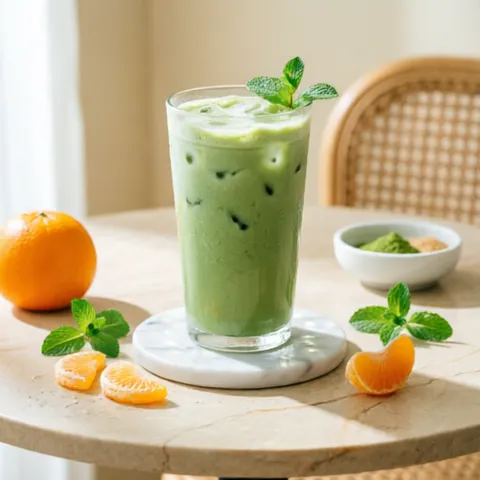
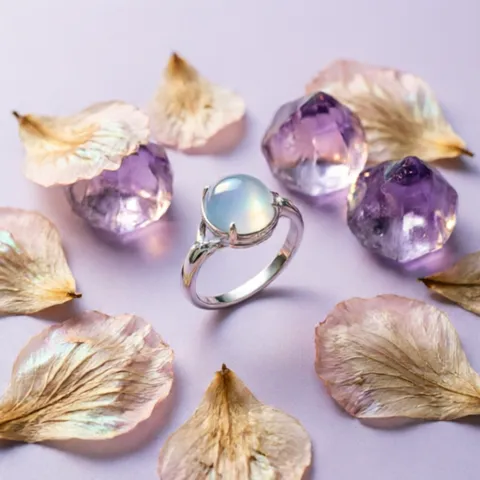
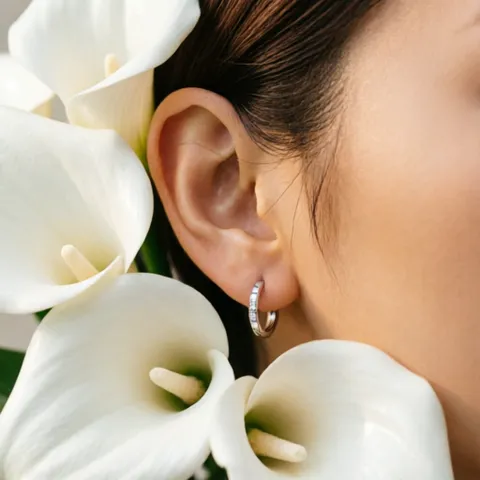
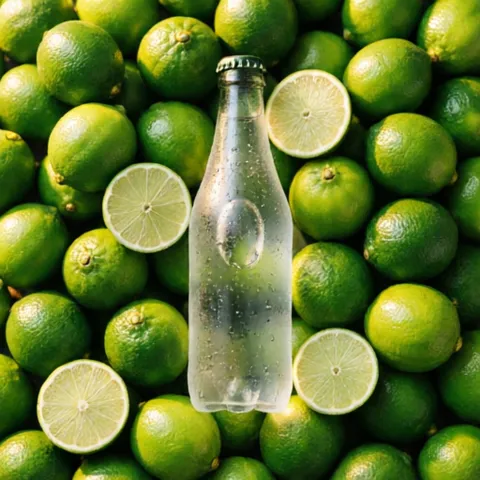
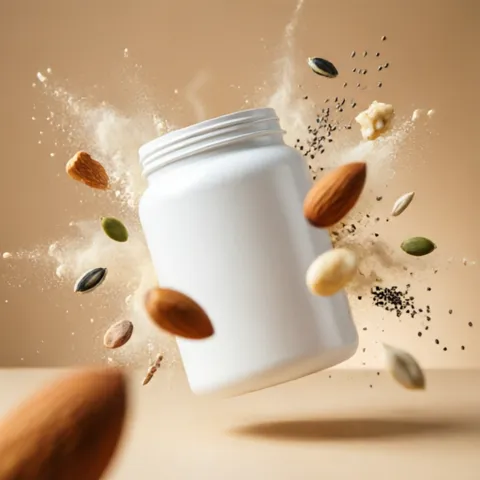
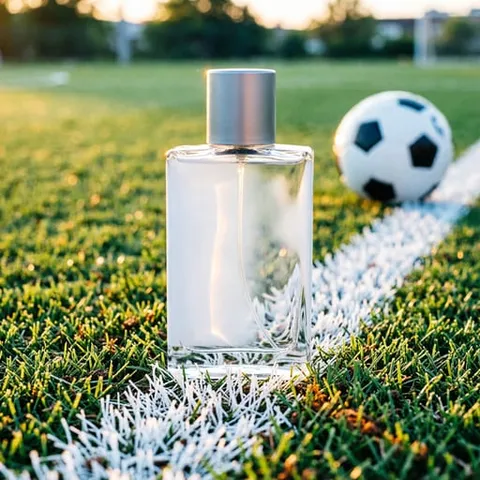
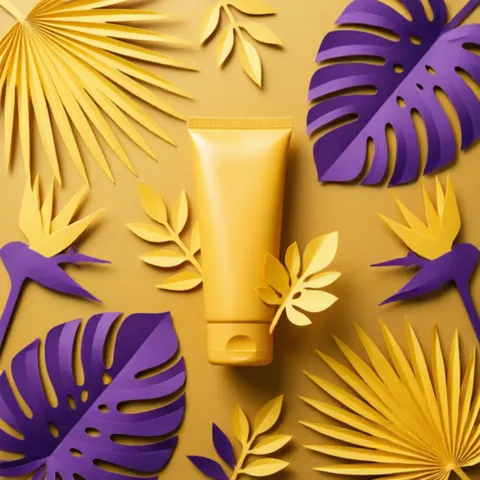
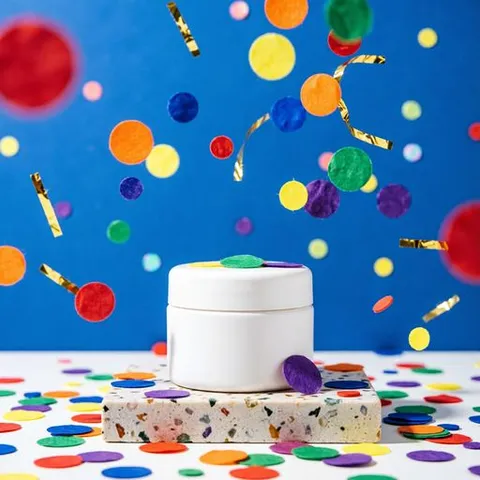
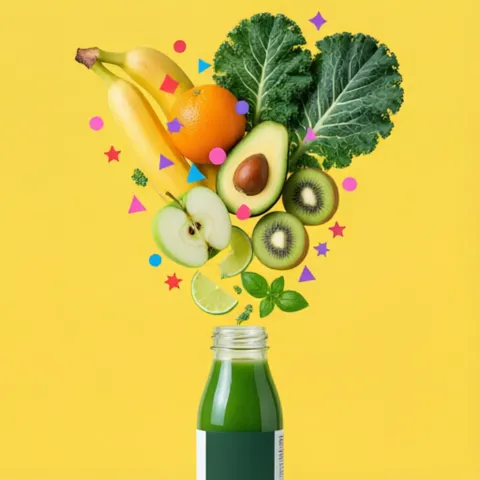
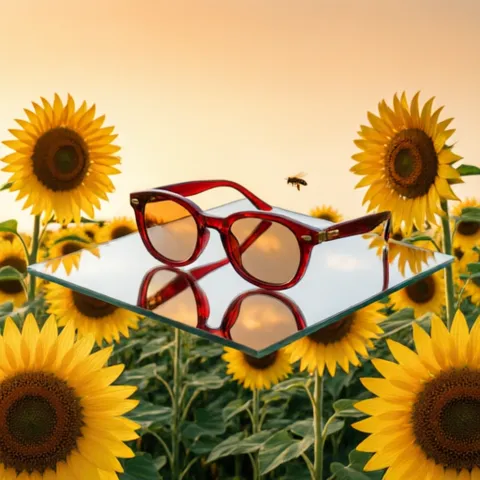
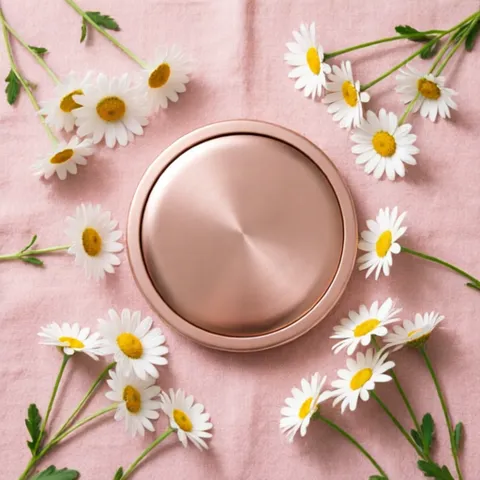
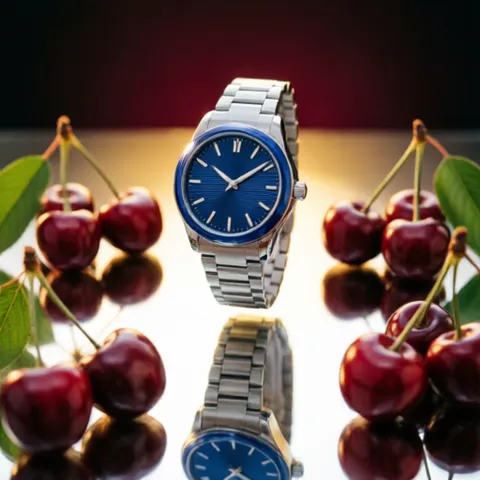
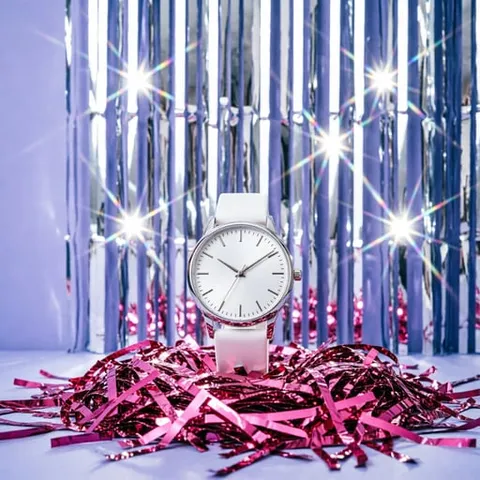
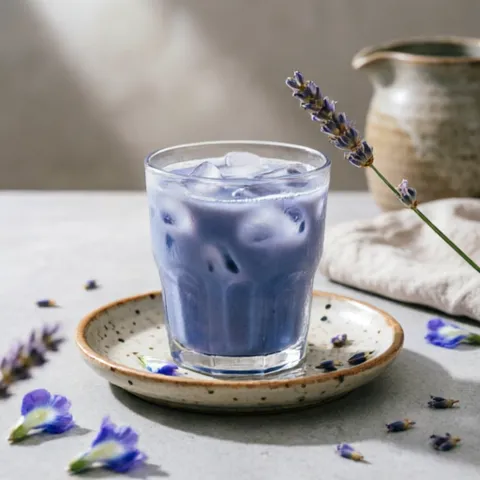
INFINITE STYLES
From minimalist studios to surreal scenes — pick a style or describe your own.

FEATURES
PRO STYLES
Dozens of photographer-curated templates. From minimalist to dramatic.
YOUR PRODUCT, PRESERVED
AI preserves every detail of your product. No fake logos or altered shapes.
INSTANT RESULTS
Pro photos in under 30 seconds. No studio, no waiting.
CREATIVE FREEDOM
Describe any scene or let AI design the perfect setting.
You are the photography director
Describe any scene you imagine and AI builds it around your product.
DESCRIBE ANY SCENE
Lighting, setting, mood, angle. In plain language.
ANY LANGUAGE
Write in English, Spanish, Portuguese, or any language.
AI DESIGNS THE SET
Your product preserved, the scene built from scratch.
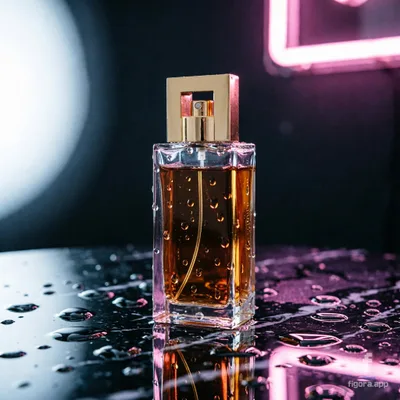
“My perfume bottle on a wet black marble surface, with soft pink neon reflections and rain drops, moody cinematic lighting”
HOW IT WORKS
UPLOAD
Take a photo of your product or pick one from your gallery.
CHOOSE STYLE
Browse dozens of professional templates or describe your own custom scene.
GET YOUR PHOTO
AI generates a studio-quality image preserving your exact product.
PRICING
1 CREDIT = 1 AI PHOTO
FREE
5 credits
- 5 AI photo generations
- All pro styles
- Full resolution downloads
- Watermark on images
STARTER
20 credits
- 20 AI photos per month
- All pro styles
- Full resolution downloads
- No watermark
- Credits reset monthly
PRO
75 credits
- 75 AI photos per month
- All pro styles
- Full resolution downloads
- No watermark
- Credits reset monthly
BUSINESS
200 credits
- 200 AI photos per month
- All pro styles
- Full resolution downloads
- No watermark
- Credits reset monthly
Prices in USD. The final price is shown in your local currency in the app.
FAQ
EVERYTHING ABOUT AI PRODUCT PHOTOS
What is Figora?
Figora is a mobile app for iOS and Android that turns ordinary product photos into professional commercial images using artificial intelligence. You upload a real photo of your product, pick one of 80+ photography styles or describe your own scene, and Figora generates a studio-quality image in seconds while preserving your product exactly as it is. It is built for e-commerce sellers, small businesses, and creators who need professional visuals without hiring a studio.
How does AI product photography work?
AI product photography replaces a physical photo shoot with image generation. In Figora it takes three steps: upload a photo of your product, choose a visual style from the template gallery or describe the scene you want in your own words, and the AI builds a new commercial image around your product, including lighting, background, and composition. A typical generation takes less than 30 seconds and costs one credit.
Does the AI change my product?
No. Figora is designed to preserve your product exactly as it appears in your original photo. The AI recreates the scene around it, including background, surfaces, and lighting, but keeps the product's shape, colors, labels, and text intact, and it never invents logos or text that are not in your photo. That makes the results safe to use in real product listings, where the image must match the item the customer receives.
How much does Figora cost?
Figora is free to try: every new account gets 5 free credits, and one credit equals one generated photo. Paid plans are Starter at $5.99/month for 20 credits, Pro at $14.99/month for 75 credits, and Business at $29.99/month for 200 credits. Credit packs are also available for one-off needs. Prices are shown in your local currency inside the app.
What photo should I upload for best results?
Use a sharp, well-lit photo where the product fills most of the frame. A phone camera is enough: natural light, a simple background, and no heavy filters give the AI the cleanest starting point. Avoid blurry shots, extreme angles, or photos where other objects overlap the product. The clearer the original photo, the more faithful the generated image will be.
Can I use the images on Amazon, Etsy, or my online store?
Yes. The images you generate are yours to use commercially: marketplace listings on Amazon, Etsy, or eBay, your own online store, social media, and ads. Because Figora preserves the real product, the images remain truthful representations of the item you sell. Just check each marketplace's image guidelines, such as main-image background rules, when choosing a style.
Which platforms and languages does Figora support?
Figora is available for iOS on the App Store and for Android on Google Play. The app is available in English, Spanish, and Portuguese (Brazil), and you can describe custom scenes in any language you want. Figora understands your text and generates the image accordingly.
Does Figora train AI models on my photos?
No. Your photos are used only to generate the images you request; we do not train AI models on your images. Uploads and results are stored privately in your account, and you can delete them, or your whole account, at any time. See our Privacy Policy for details.
Transform your product photos today
Now available on iOS and Android. No studio. No hassle.